

What your people see when you send a check
Freelancers and contractors answer from the email or their phone, with no account and no password.
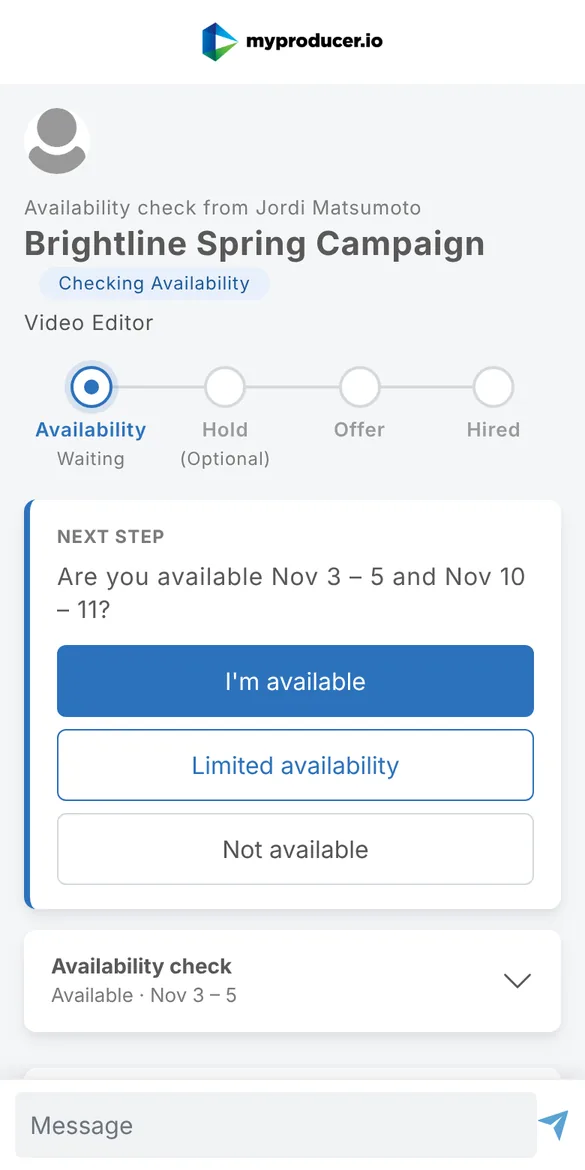
When you send a check, each person gets an email from you (sent "Your name via myproducer") with:
- The role, your dates and your message
- Three buttons: I'm available, Some of these dates, Not available
The buttons work straight from the email: no sign-up, no password. Each link only works for that person and that check, and lasts 60 days.
Their answers
- I'm available: done. You're told right away.
- Some of these dates: they pick which dates they can do. You see them as Limited Availability, with their dates. Limited availability
- Not available: recorded straight away. They can add a note from their page.
They can also reply to the email or use the message box on their page. It goes to the person's thread on your project. Messages
Afterwards
People without an account get one invite to create a free profile, which shows their work to the people who hire them. It's optional. For freelancers & contractors
Updated October 2026. Something not right? Tell us.