

Revise or remove an offer
Change an offer's rate, dates or expenses, or take it off the role.
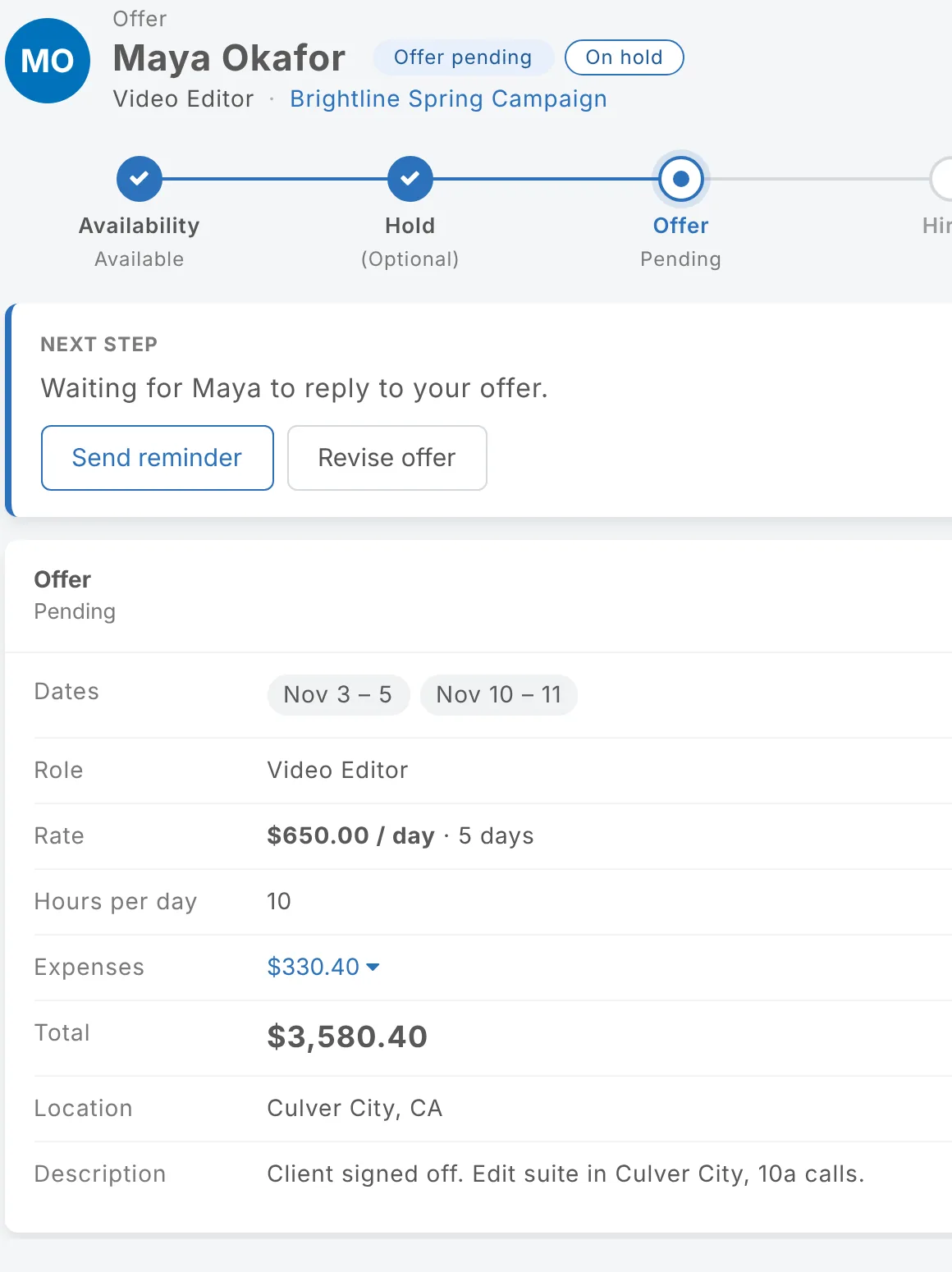
Revise an offer
On the person's page choose Revise offer, make your changes and send.
- You can revise offers that are pending, declined or accepted.
- The revised offer goes back to pending, and they need to accept it again.
- They get an email listing what changed.
- Earlier versions are kept under Previous versions on their page.
- An accepted offer you revise stops counting toward your budget until they accept the new version.
Remove an offer
On the project page, choose the trash can next to the person, then Remove offer. It comes off the role and can't be undone.
Updated October 2026. Something not right? Tell us.