

Holds
Ask someone to hold your dates while you confirm the job. They can still take other work until you send an offer.
A hold says "keep these dates for me." It's a step between a yes on availability and an offer. Holds are optional.
Request a hold
- Open the project and choose View next to someone who's Available or Limited Availability.
- Choose Request hold and pick the dates you want them to hold.
- Send it.
They get an email with Yes, hold me and I can't, and a note that they can still take other work until they get an offer.
How a hold can go
| What happened | What it means |
|---|---|
| Hold requested | Waiting for them to answer |
| On hold | They said yes and are holding your dates |
| Hold declined | They said they can't |
| Released | The hold ended: you released them, or they let go of it after saying yes |
You get an email and a notification whenever they answer or let go of a hold.
Release a hold
When you no longer need someone, choose Release hold on their page. Add a reason if you like. They're emailed that they've been released from the hold.
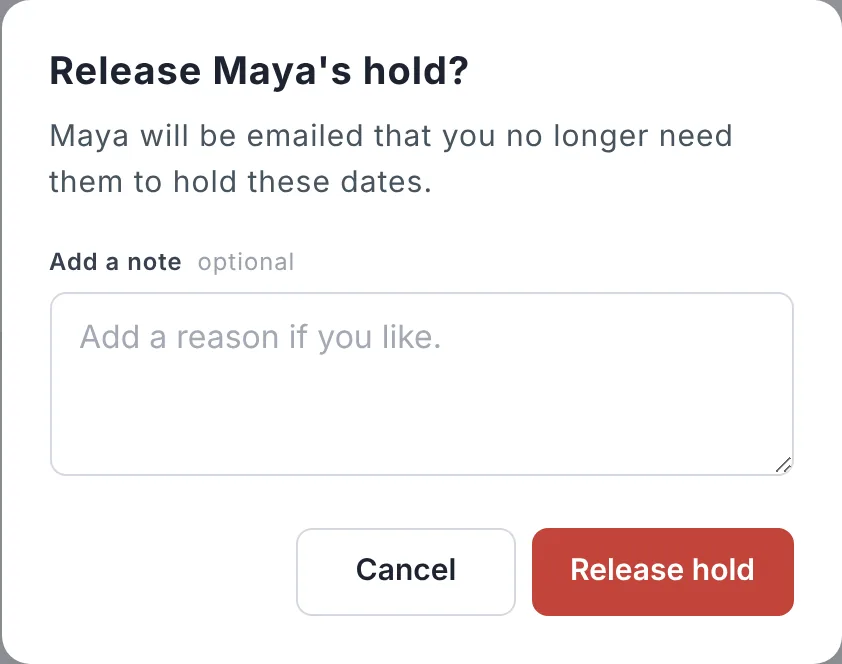
You can release a hold once they've said yes. When you're ready to book them, send an offer instead.
Updated October 2026. Something not right? Tell us.