

See a contact's profile and history
Open anyone in your contacts to see their profile, your notes and every project you've invited them to.
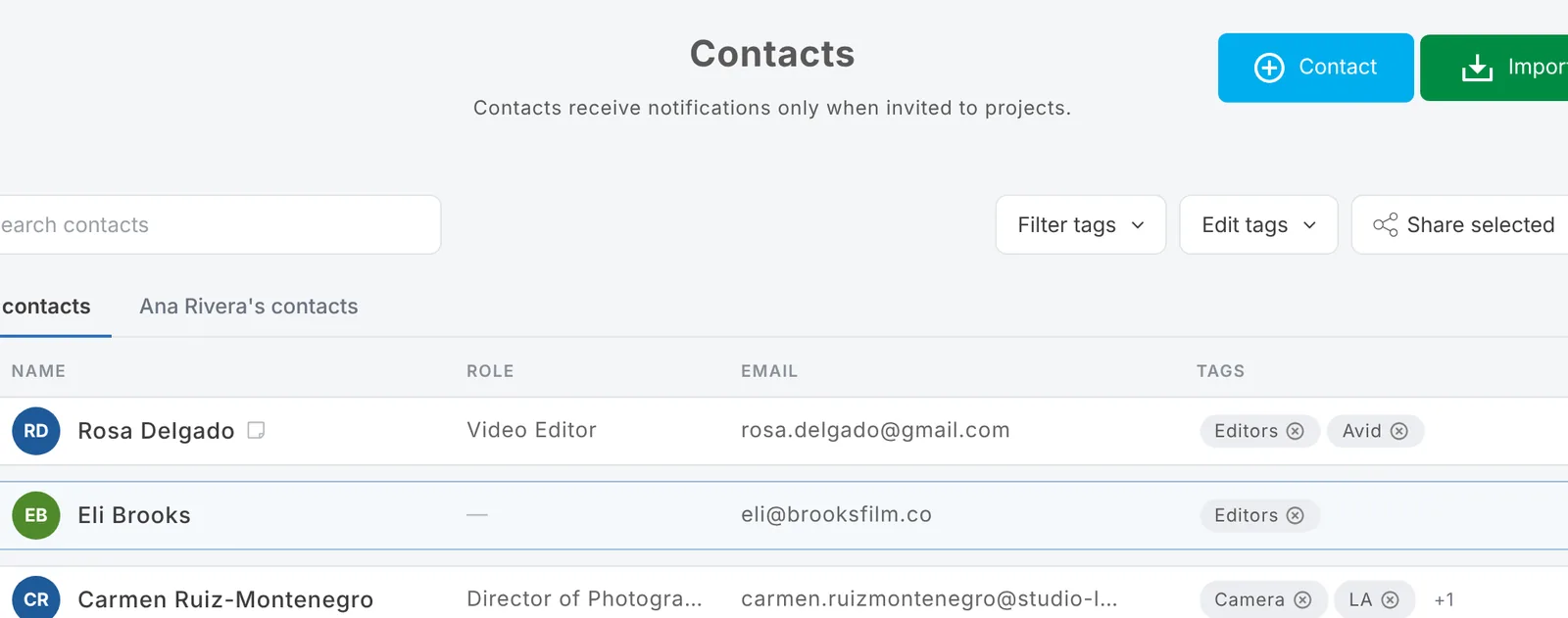
In Contacts, choose a person to open their panel:
- Profile: their titles, bio, links and portfolio, if they've filled in their free profile.
- Contact: their email (and phone, if they've shared it).
- Notes: your team's private notes. About notes
- Invited projects: every role you've asked them about, with where it got to (for example Limited availability or Hired).
Messaging a contact
Conversations happen per role: open the project, find the person on the role and choose View to see their page and message them. About messages
Updated October 2026. Something not right? Tell us.