

Post a job and share the link
Create a job post, share one link anywhere, and collect applications. No account needed to apply.
A job post is a page you can share by email, text or social media. Anyone with the link can apply.
Create a job post
- Go to Jobs and choose New job post.
- Add a job title. Everything else is optional: company, project role, dates, location, rate and a description.
- Save. Your post is open and ready to share.
Share it
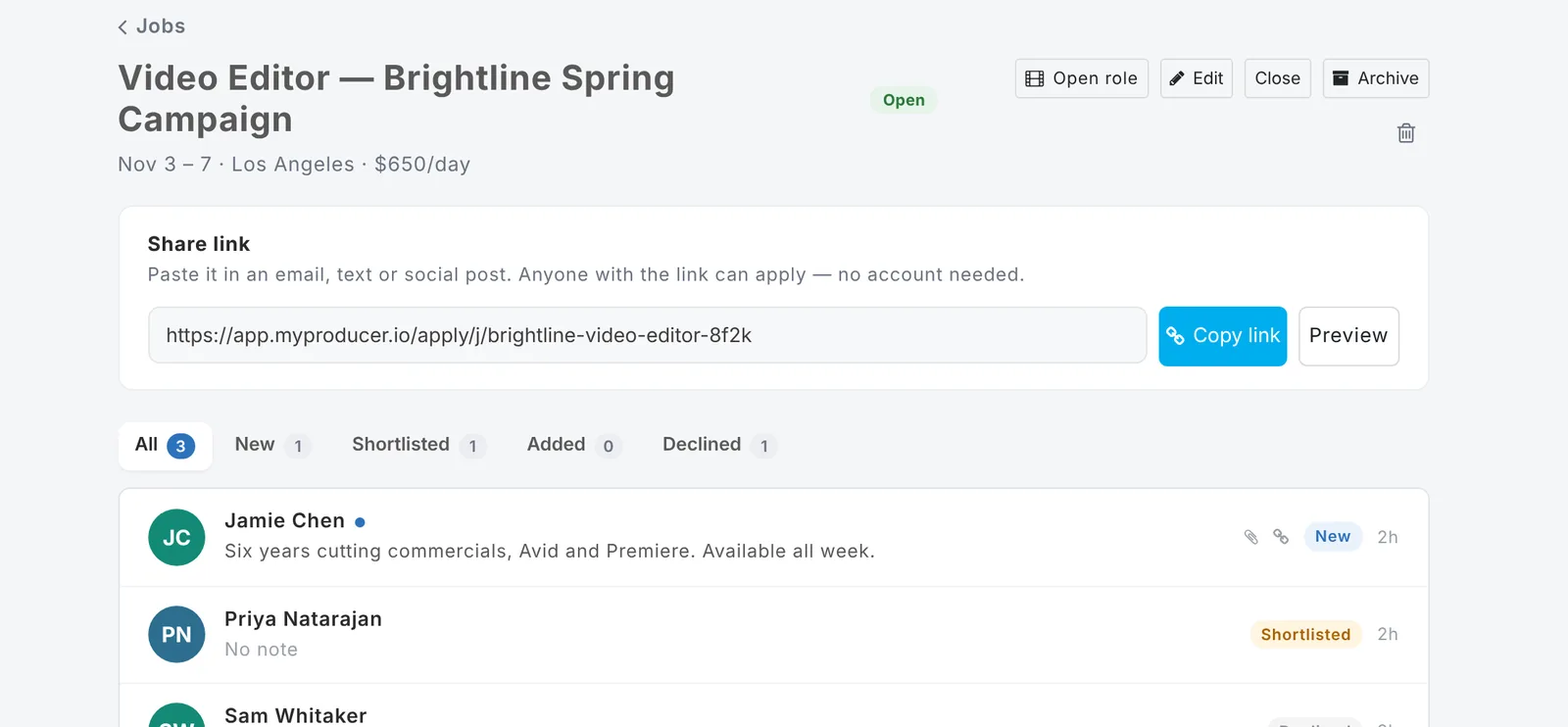
Choose Copy link and paste it anywhere. The link shows a preview card on social media and in messages. Use Preview to see the page people get.
Your general application link
Below your job posts there's also Apply to work with you: a standing link for people who want to be considered for future jobs. Share it on your website or in your email signature.
Close, archive or delete
- Close a post to stop new applications.
- Archive it to put it away (archiving also closes it).
- Delete removes the post and its link stops working. Applicants you added to your contacts stay in your contacts.
Tip: Posting jobs is free, on any plan.
Updated October 2026. Something not right? Tell us.